

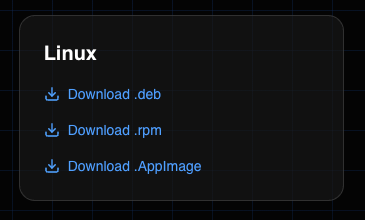
Debian/Ubuntu and RHEL/Fedora/CentOS are supported.
Download
- Go to blprnt.ai
- Scroll down to the downloads section
- Choose your bundle
Installation
You’ll only ever have to install once. blprnt supports in-app updating.
- Open up your terminal
- Navigate to where you downloaded it, usually:
- Install it
- Run it
- It should now be installed and ready for you to use.