

Click the 'Create New Session' button
The button is located in the sidebar, when you expand the project you want to create a session in.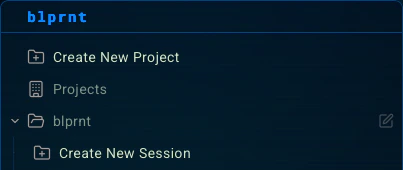
Enter the session name
Give your session a name. Something meaningful and descriptive. This will only be seen by you, not the agent.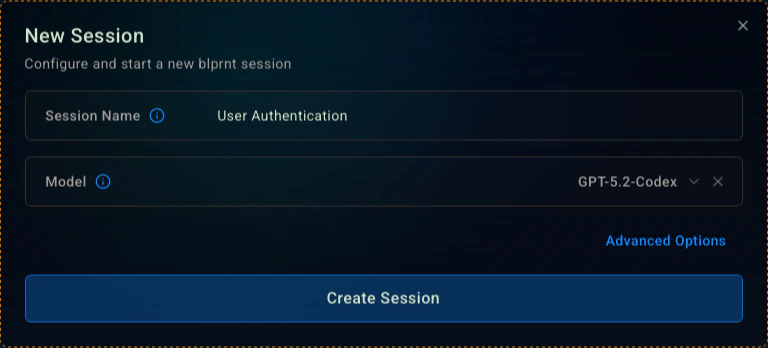
Make sure to select a model unless you want to default to the auto-router.